How to Clone Yourself Into Any Viral Video
June 16, 2026
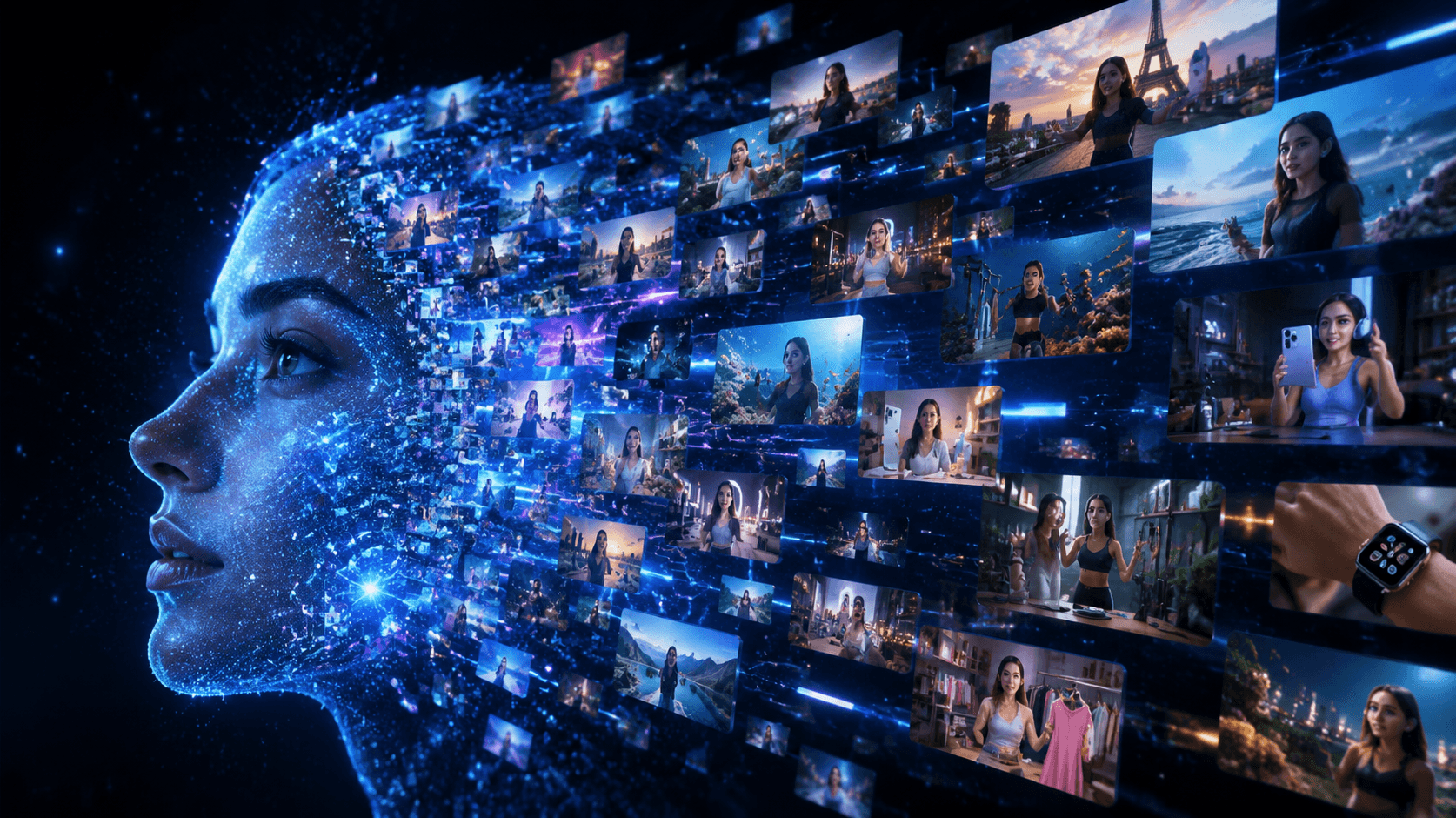
You've seen it a hundred times. A creator goes viral on TikTok or Instagram with a video concept that blows up overnight — millions of views, thousands of comments, shares exploding across every platform. And you think: "I want that. But I don't have the time, the crew, or the setup to recreate it."
What if you didn't have to?
With AI video cloning, you can now take any viral video format and insert yourself into it — your face, your style, your brand — without stepping in front of a camera more than once. Welcome to the future of content creation, and welcome to VidGens.
What Is AI Video Cloning?
AI video cloning is the process of using artificial intelligence to analyze an existing video — its motion, lighting, scene composition, and style — and then recreate that video with your likeness as the subject. Think of it like a green screen for the AI era, except you don't need a green screen, a studio, or a production team.
Instead, you upload a reference video. The AI studies it. Then it generates a new video featuring you (or your brand's persona) in the same style, movement, and format.
How VidGens Works: The Technology Behind the Magic
VidGens is built on the most advanced video generation models available today — Veo 3.1 and Kling V3 — giving you access to Hollywood-level motion quality directly from your browser.
Here's what happens under the hood when you clone yourself into a viral video:
Step 1: Upload Your Reference Video Paste a link or upload the viral video you want to recreate. VidGens analyzes the motion, pacing, visual style, and structure of the original.
Step 2: Upload Your Photo or Clip Provide a clear photo of yourself, your UGC actor, or your product persona. This becomes the "subject" injected into the video.
Step 3: AI Generates Your Version Using motion control technology powered by Kling V3 and scene-by-scene generation via Veo 3.1, VidGens generates a brand-new video with you as the star — matching the energy, framing, and style of the original.
Step 4: Download and Post Your new video is ready in minutes. Download it, add a caption, and post. No editing software needed.
Key Features That Make VidGens Different
Viral Video Cloning
The flagship feature. Upload any video as a reference — a trending TikTok, a viral Instagram Reel, a top-performing YouTube Short — and VidGens recreates it with your face and identity as the subject. The style is preserved. The virality potential is yours.
UGC Actor Generation
Don't have a human face to use? No problem. VidGens can generate realistic AI UGC actors — virtual spokespeople who deliver your brand's message in a natural, trust-building way. Perfect for product promotions, app demos, and testimonial-style content at scale.
Multi-Scene Video Generation (Veo 3.1 Extended)
Using a sequential scene-chaining architecture, VidGens lets you generate long-form videos by stitching together multiple AI-generated scenes. Tell a full story across 60+ seconds without losing visual consistency.
Motion Control Technology
Powered by Kling V3 Motion Control, VidGens gives you precise control over how subjects move within the frame — following the motion patterns of your reference video while substituting your face or actor. The result looks intentional, not artificial.
Fast Generation, Browser-Based
No downloads. No plugins. No technical setup. VidGens runs entirely in your browser and generates videos in minutes, not hours. Start a video, get a coffee, come back to your content.
Use Cases: Who Is This Actually For?
Content Creators & Influencers
You spotted a video format that's getting 10M views. You want in on that trend — but you're traveling, your lighting isn't right, or you simply don't have time to film. Clone the format with VidGens, swap in your face, and post in the next trend cycle. Stay relevant without burning out.
eCommerce Brand Owners
Running a Shopify store or DTC brand? Instead of hiring video production teams to create product demo videos, use VidGens to generate UGC-style videos of your product being used — at a fraction of the cost. Swap out actors, test different styles, and run video ads that actually convert.
SaaS & App Marketers
App demos and explainer videos are expensive to produce and outdated the moment your UI changes. With VidGens, you can generate new demo videos on demand — inserting your screen recordings or product visuals into any trending explainer format.
Social Media Managers
Managing content for multiple brand accounts? VidGens lets you generate platform-native video content in bulk. Take one viral format and spin up variations for different brands, different audiences, or different products — all from a single dashboard.
Faceless Channel Creators
Running a faceless YouTube or TikTok channel? VidGens lets you generate AI-fronted videos where a virtual presenter delivers your content — no face reveal required, no camera anxiety. Build an audience around a persona, not a person.
Agencies & Freelancers
If you're selling content creation services to clients, VidGens is your production multiplier. Deliver more videos, faster, at higher margins. A video that used to take a day to film and edit now takes 20 minutes to generate and deliver.
Real Results: What This Looks Like in Practice
Imagine you run a skincare brand. A video of someone doing a "3-step morning routine" goes viral — 8 million views, thousands of comments, massive engagement. That exact format is what your audience responds to.
With VidGens:
- You upload the viral routine video as a reference
- You upload a photo of your AI brand persona (or a real UGC creator photo)
- VidGens generates a brand-new 3-step routine video featuring your products
- You caption it, add your link in bio, and post
Total time: under 30 minutes. Zero filming. Zero editing. Full virality leverage.
The AI Models Powering VidGens
VidGens isn't built on yesterday's technology. The platform is powered by:
Google Veo 3.1 — One of the most cinematically accurate video generation models available, capable of producing smooth, high-resolution video scenes with natural motion and lighting. VidGens uses Veo 3.1 Extended for multi-scene generation.
Kling V3 — A cutting-edge video model with advanced motion control capabilities. Used for the video cloning feature, Kling V3 analyzes reference video motion and applies it to your custom subject with impressive accuracy.
Together, these models give VidGens an output quality that rivals professional production — without the production budget.
VidGens vs. Filming It Yourself
VidGensTraditional FilmingTime to produce15–30 minutes2–8 hoursEquipment neededBrowser + photoCamera, lighting, mic, editing softwareCost per videoIncluded in plan$50–$500+ per videoTrend response timeSame day2–5 daysScalabilityUnlimited videosLimited by time & budgetConsistencyAI-consistent outputVaries by shoot
Getting Started with VidGens
Ready to put yourself in any viral video?
1. Go to vidgens.com and sign up for free.
2. Choose your generation mode — Video Cloning, UGC Actor, or Scene Builder.
3. Upload your reference and your photo.
4. Generate, download, and post.
Your first video takes less than 5 minutes to start. By the end of today, you could have a full week of content ready to go.
Frequently Asked Questions
Do I need video editing experience to use VidGens? Not at all. VidGens is designed for creators and marketers, not video editors. If you can upload a photo and click a button, you can use VidGens.
What kind of reference videos can I clone? Any video you have the rights to use — your own content, stock footage, or videos you've licensed. VidGens is a tool; responsible use of source material is up to the creator.
How realistic does the output look? Powered by Veo 3.1 and Kling V3, VidGens produces some of the highest-quality AI video output currently available. The results are consistently realistic enough for social media publication.
Can I use VidGens for commercial content? Yes. VidGens Pro subscribers can use generated videos for commercial purposes including ads, brand content, and client deliverables.
How many videos can I generate per month? This depends on your plan. Free users get access to a limited number of generations per month. Pro users get significantly higher limits with priority queue access.
Final Thought: The Creators Who Win Are the Ones Who Move Fastest
Viral trends have a half-life of hours. By the time you've filmed, edited, color-graded, and exported your version of a trend, the moment has passed.
VidGens exists to close that gap. To give every creator, brand, and marketer the ability to move at the speed of the internet — without sacrificing quality, identity, or authenticity.
Clone yourself into any viral video. Stand out in every feed. Start today at vidgens.com.